
Knoxville Traffic Ticket Records
Knoxville Traffic Ticket Records help you follow a citation from the stop to the court result. In Knox County, the Knoxville Municipal Court and the Knoxville Police Department are the main city sources for most searches. If a stop happened near campus or downtown, the record can also touch the University of Tennessee Police Department or a county office. The best way to start is with the ticket number, date, and agency name. That keeps the search narrow and helps you move from a traffic stop to the record you actually need.
Knoxville Quick Facts
Traffic Ticket Records in Knoxville
Knoxville Traffic Ticket Records usually begin with a city stop and end with a municipal court result. The file may show the charge, the first court date, the payment path, or the final order after a hearing. A simple ticket can still matter later if the driver needs proof that the case was paid or closed. That is why the record is more than a fine. It is the paper trail that shows what happened after the stop and what the city decided to do next.
The Knoxville Municipal Court handles traffic citations issued within city limits. The court page explains payment options, contest steps, and traffic school choices for qualifying cases. That makes it the first stop for many Knoxville Traffic Ticket Records searches because the court file tells you whether the matter is still active or already closed. If the citation came from a police stop, the court and police record often work together.
Because Knoxville also has a large university zone, the local path can move across more than one office. If the stop happened on or near campus, the University of Tennessee Police Department may have its own report or enforcement note. Keeping the citation, date, and agency in front of you helps the search stay short and keeps the answer clearer.
Where Knoxville Traffic Ticket Records Start
Start with the Knoxville Police Department when you need traffic enforcement details or an accident report. The department handles city traffic enforcement and investigates crashes inside Knoxville. That makes it a useful first check when the citation came from a police stop and you want to match the stop to the court file. Knoxville Traffic Ticket Records are easier to track when the agency name and the case number line up.
The image below comes from the Knoxville Police Department page at Knoxville Police Department. It gives a clean local cue for the enforcement side of a city citation search.
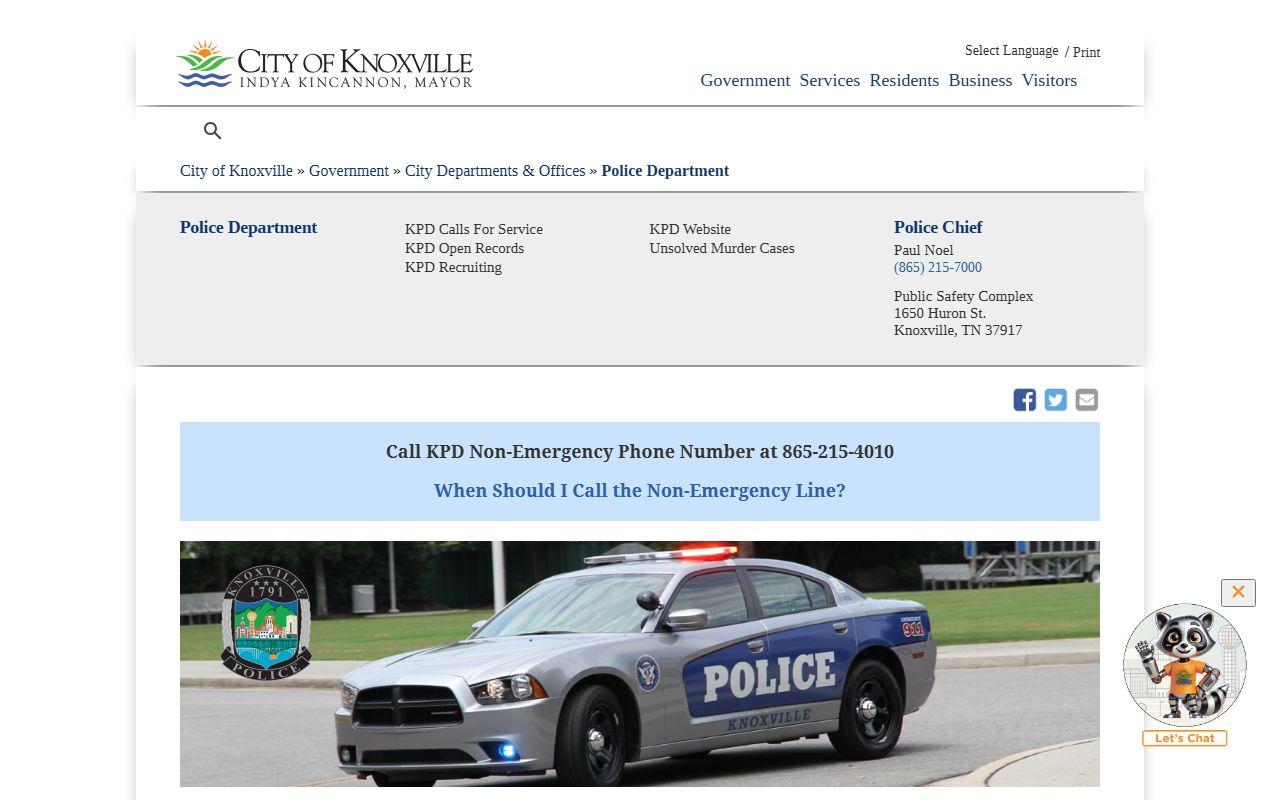
Use that image as a reminder that the police report and the court file often move together. One shows the stop, and the other shows the case result. When the issue happened near the university, the campus police page can also matter because the department coordinates on traffic enforcement in that area.
The county clerk is the next useful contact when the ticket creates a wider vehicle paper trail. The Knox County Clerk handles vehicle registration and title work for Knox County residents, so it can help when a traffic stop started with tags, registration, or other vehicle paperwork. That is not the court file, but it can still explain why the record matters now.
How to Search Traffic Ticket Records in Knoxville
You can search Knoxville Traffic Ticket Records by name, citation number, or court date. If the ticket is recent, the citation number will usually get you to the right file fastest. If the ticket is older, the name and date may be enough to narrow the search. The court clerk can also tell you whether the ticket was paid, reset, or sent to another docket. That is especially useful when the record is not obvious from the ticket copy alone.
The Tennessee Public Case History tool can help you confirm the case status before you call the court. It is a fast way to see whether the file is active or resolved, and it can save time when you are trying to decide which office to contact next. A Knoxville citation may also affect your state record, so it is smart to check both the city court and the driver side when you search Knoxville Traffic Ticket Records.
Bring these details with you or keep them in front of you when you search:
- Full name on the citation
- Ticket number or case number
- Date of stop or court date
- Issuing agency or officer name
When a search gets stuck, the clerk can often say whether the citation is still open, already paid, or set in another docket. That simple call can save a trip, especially when you are working with an older Knoxville Traffic Ticket Records file.
Knoxville Traffic Ticket Records and Driver Records
A Knoxville citation can show up again in your state driver file. If you need to see whether a conviction reached the license side, use Tennessee driving records. That page helps you see the state version of the record, which matters for points, insurance, and later renewals. Knoxville Traffic Ticket Records often move from the city court into the state system after the case closes, so the court file and the driver file may not update at the same pace.
If the citation caused a hold or a suspension, check the reinstatement page next. Tennessee traffic rules in Title 55 and public-record rules in Title 10 explain the wider legal setting for the file. Those pages do not replace the court record, but they help you understand why the record looks the way it does and what can happen after a citation is resolved.
Keep payment receipts, court notices, and dismissal papers together. If the record has not updated yet, those papers can help explain what happened and when it happened. That is often the easiest way to show that Knoxville Traffic Ticket Records were handled even when the online record still looks incomplete.
Help With Traffic Ticket Records in Knoxville
Some Knoxville matters are simple and some are not. A basic speeding ticket may only need a payment check, while a more serious citation may need a hearing date or a file copy. The city court page and the police page are the best local sources for that work. Together they show where the ticket started and where the case ended. Knoxville Traffic Ticket Records are easier to manage when you keep those two pieces aligned and do not guess at the office before you search.
If the ticket changed your license status, the state driver-services pages can help with the next step. That is useful when you need to fix a renewal problem or clear a hold. The Tennessee Courts homepage is also a useful backup when you want a broader court view or need to move from the city file into a state court resource. It helps you stay oriented when the local case trail has more than one stop.
The county page is the right next step after the city search. It gives the broader Knox County record path and helps connect the municipal ticket to the county system.
Knox County Traffic Ticket Records
Knoxville sits in Knox County, so the county page is the next place to look when the city ticket needs a wider record trail. Some issues stay with municipal court, but others touch county registration or driver follow-up. Visit Knox County Traffic Ticket Records for the county view. That page helps you connect the local citation to the county record system and gives you a broader path when the city office is only part of the story.
If you want to compare Knoxville with other Tennessee cities, the city index is available after you finish this page. It is a useful way to see how another city handles citations, court dates, and driver follow-up.