
Shelbyville Traffic Ticket Records
Shelbyville Traffic Ticket Records help you follow a city citation through Bedford County and the local court system. Most stops inside Shelbyville begin with the police department and move to the municipal court if the case stays local. If you need a hearing date, a payment status, or a copy of the record, begin with the office listed on the ticket. That keeps the search focused and makes it easier to move from the stop to the result without guessing at the right office.
Shelbyville Quick Facts
Traffic Ticket Records in Shelbyville
Shelbyville Traffic Ticket Records usually begin with a stop and end with a court result. A citation can lead to payment, a hearing, a dismissal, or a later record issue in the driver system. The court file shows the result. The police file can show the stop or enforcement detail. That is why the ticket is only the starting point. The full record trail tells you what happened after the stop and whether the case still needs attention.
Shelbyville Municipal Court handles traffic citations issued inside city limits. That makes the court page the best place to check when you need the docket, a hearing note, or a payment status. The police department handles enforcement and crash work, so it can help when the ticket came from a stop and you need the report behind it. Shelbyville Traffic Ticket Records are easier to read when those two local offices stay together in the search path.
Shelbyville traffic can move quickly along county roads and neighborhood streets. A name, a citation number, and a date usually save time and keep the search on track.
Where Shelbyville Traffic Ticket Records Start
Use the Shelbyville Municipal Court page first when you need the local case file. It explains how the city handles traffic citations and gives you a direct path for court questions. For Shelbyville Traffic Ticket Records, this is usually the cleanest first step because the court file tells you whether the matter is active, paid, or already complete.
Next, check the Shelbyville Police Department page if you need enforcement details or an accident report. That page helps you match the stop to the case. Shelbyville Traffic Ticket Records make more sense when you can line up the police note with the city docket and see both sides of the same citation.
The image below comes from the Tennessee Driver Services page at Tennessee Driver Services. It is a clean state visual for the driver side of a Shelbyville traffic search.
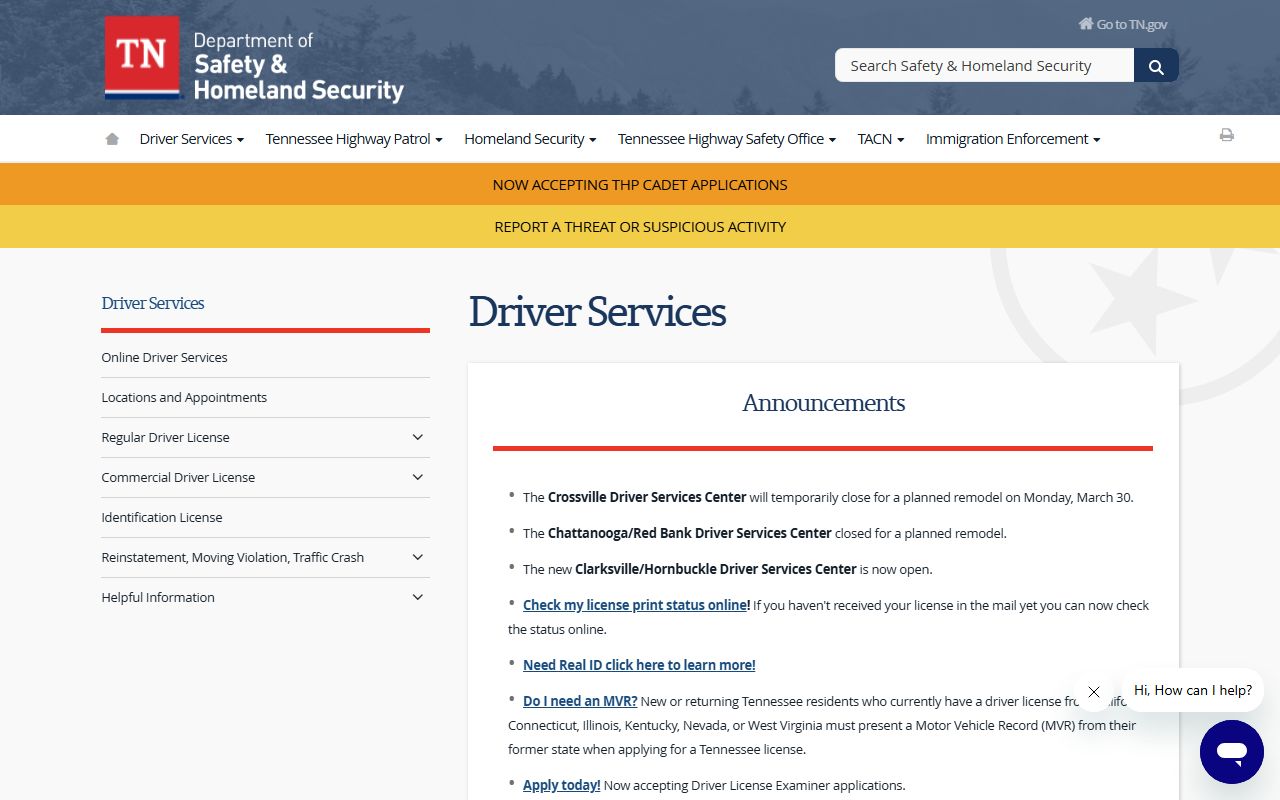
Use that image as a reminder that a city traffic case can reach the state driver system later. The court record comes first, and the state follow-up often comes next.
How to Search Traffic Ticket Records in Shelbyville
You can search Shelbyville Traffic Ticket Records by name, citation number, or court date. The citation number is the fastest route when you have it. If not, the clerk can often work from the driver name and the date of the stop. The search becomes easier once you know which office handled the case and whether the ticket has already been paid or reset.
The Tennessee Public Case History tool is a helpful backup when you want to confirm the case before calling the court. It can show whether the file is open or resolved. Shelbyville Traffic Ticket Records often move through both local and state systems, so that quick check can keep you from making the same call twice.
Keep these details ready when you search:
- Full name on the citation
- Ticket or case number
- Date of the stop or hearing
- Officer or agency name
If the ticket touched tags or title work, the county clerk may also be part of the trail. That extra step matters when the stop started as a vehicle paperwork issue rather than a moving violation.
Shelbyville Traffic Ticket Records and Driver Records
A Shelbyville citation can still appear in your state driving history after the court case is finished. If you need the state version, use Tennessee driving records. That page shows whether the ticket reached the license side of the file. If the case led to a hold or suspension, the reinstatement page explains the follow-up steps. Shelbyville Traffic Ticket Records often matter most when they change a driver's status.
The traffic rules in Title 55 and the public-record rules in Title 10 give the legal backdrop for the file. If you need a local vehicle record check, the Bedford County Clerk is the office that handles registration and title work for county residents.
Keep your receipts, notices, and dismissal papers together. Those papers can still prove what happened when the online record has not caught up yet.
Help With Traffic Ticket Records in Shelbyville
Some Shelbyville matters are easy. Others need a careful check because the city, county, and state record paths may all be involved. Start with the city court and police department. That gives you the local story. Shelbyville Traffic Ticket Records are easier to manage when the city file comes first and the state file comes second.
The county page is the broader next stop when you need the record trail around the city. Bedford County keeps the larger county view that often sits behind a Shelbyville citation, and that page is useful when the city file is only part of the answer.
Bedford County Traffic Ticket Records
Shelbyville sits in Bedford County, so the county page is the broader record path after the city search. Some traffic issues stay at city court, while others touch county registration or follow-up paperwork. Visit Bedford County Traffic Ticket Records to connect the city citation to the county file. That page gives the larger county view and helps you keep the search organized.
If you want to compare Shelbyville with other Tennessee cities, the city index is ready after you finish this page.